Modern Baby Shower Invitation: A Digital Solution for Busy Hosts
Planning a baby shower involves a lot of moving parts, from coordinating the registry to planning the menu, but the first interaction guests have is always the invitation. In the past, this meant waiting for physical proofs, paying for postage, and hoping the mail arrived on time. Today, however, the landscape has shifted dramatically. We are seeing a rise in high-quality digital solutions that don't sacrifice style for convenience. The Baby Shower Invitation and Digital Animated Video Invitation Template represents this shift perfectly. It isn't just a static image; it is a dynamic, editable asset designed for the modern host who values both aesthetics and efficiency.
The Visual Appeal: Blending Modern Typography with Celebration
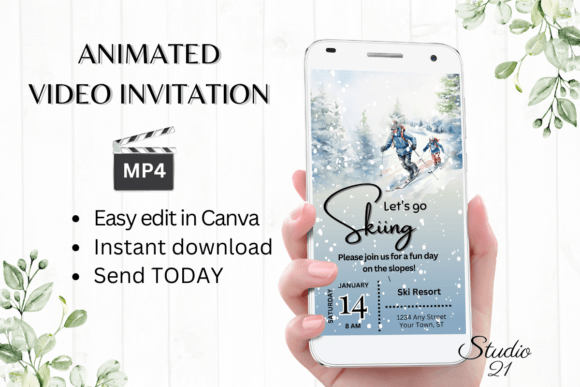
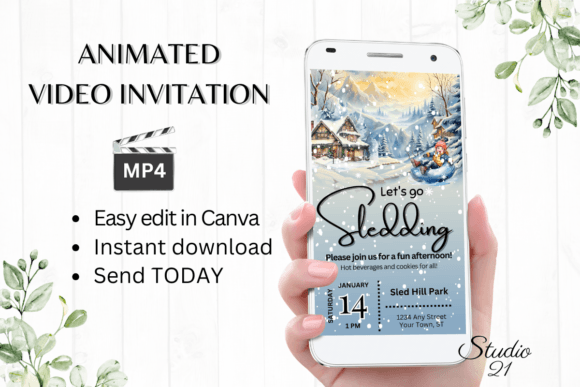
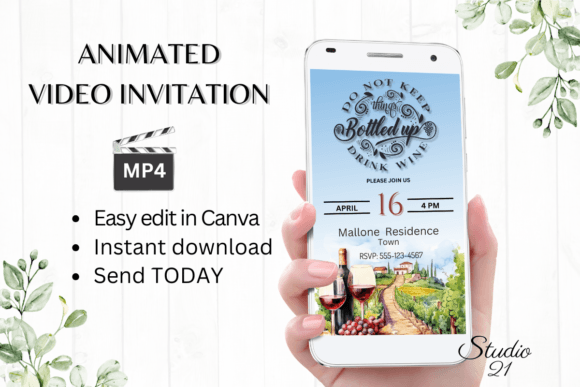
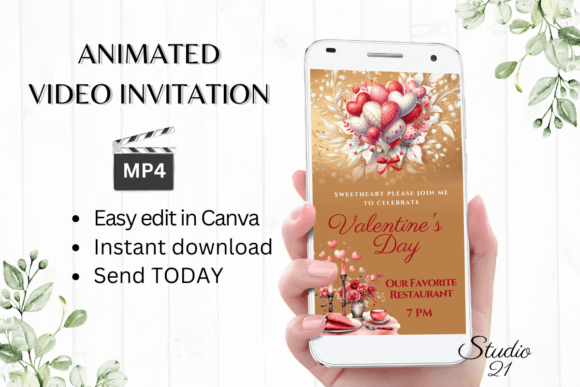
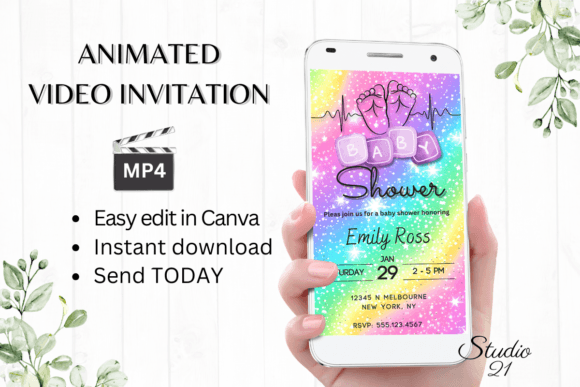
When you first open this template, the immediate impression is one of polished joy. It avoids the cluttered, overly "cutesy" designs of the past, opting instead for a clean, contemporary layout that feels premium. The design relies heavily on strong visual hierarchy—a core principle of effective graphic design. The most critical information, such as the guest of honor's name and the date, is given prominence through scale and positioning.
The typography choices here are crucial. The template utilizes a mix of script font and sans serif font styles to create a balanced personality. The script elements add a touch of elegance and softness, appropriate for the occasion, while the sans-serif text ensures that details like addresses and times remain highly legible. This combination is a staple in modern branding because it marries emotion with logic. The color palette is customizable, but the default setting uses soft, inviting hues that create a welcoming atmosphere without overwhelming the viewer. It proves that a digital download can have the same visual weight and professionalism as a custom-designed piece.
Practical Applications: Beyond the Standard Invite
While the primary use case is obvious, the versatility of this Baby Shower Invitation template extends further than just a single event. Because it is built on a robust platform and delivered as an animated video, it opens up several avenues for communication.
Obviously, it serves as the primary invite, downloadable as an MP4 to send via text or WhatsApp. However, consider the following practical applications for different audiences:
- Event Planners & Coordinators: If you are a professional planner, you can use this template as a proof-of-concept for clients. Show them how a digital animated video feels more premium than a standard email. It elevates your service offering without requiring you to learn complex animation software.
- Social Media Managers & Influencers: The vertical format (1080x1920) is optimized for Instagram Stories, TikTok, and Reels. If you are hosting a virtual shower or a gender reveal, you can use this template to create hype content. The animation draws the eye in a crowded feed, increasing engagement rates compared to static social media graphics.
- Small Business Owners: If you run a baby boutique, a bakery, or a party supply store, you could adapt this style for digital flyers or sale announcements. The visual language of a baby shower—soft colors, celebration, excitement—is directly transferable to marketing campaigns for related products.
The key takeaway is that the template acts as a versatile design asset. It is not limited to the personal user; it is a tool for anyone needing to communicate a message of celebration quickly and beautifully.
Design Strategy: Choosing and Customizing Your Invitation
Selecting the right invitation is about more than just picking a pretty picture; it is about evaluating the fit for your specific brand or personal style. When working with this Baby Shower Invitation, you have total control over the brand identity of the event.
Evaluating the Fit
Before you start editing, look at the "bones" of the design. Does the layout support the amount of text you need? If you have a long list of hosts or a complex registry situation, you need a layout with ample negative space. This template provides that breathing room. If the default aesthetic doesn't match the mother-to-be's personality, look at the font pairing. Can you swap the script font for a handwritten font for a more casual vibe? Yes. Can you change the sans serif font to a serif font for a more traditional feel? Absolutely. The flexibility of the Canva platform means you are buying a framework, not a rigid image.
Technical Considerations
One of the biggest hurdles in editorial design and digital media is software compatibility. This template eliminates that friction. By using a browser-based editor, you remove the need for expensive software like Adobe After Effects or Premiere Pro. This democratizes design, allowing hobbyists and crafters to produce professional-grade content.
However, readability should always be your north star. When you personalize text, ensure there is enough contrast between the text and the background. If you upload a photo to the background, consider adding a semi-transparent overlay behind the text to ensure the details pop. This is a common technique in web design and packaging design that translates perfectly to video invitations.
The Workflow
The process is designed for speed. You receive the link, access the template, and begin editing immediately. There is no waiting for a designer to send a proof. This "instant gratification" model is essential for last-minute planning. Once you have customized the colors and fonts to match your theme, you simply download the MP4. This file format is universal—it plays on almost any device, ensuring your guests won't have technical difficulties opening their invite. Whether you send it via iMessage, email, or a Facebook event page, the video format guarantees a higher engagement rate than a static PDF.
Ultimately, this Baby Shower Invitation template bridges the gap between high-end graphic design and accessible DIY tools. It empowers you to create a memorable first impression for a special occasion, proving that you don't need to be a professional designer to create professional results.