Real Estate Facebook Cover Banner: A Designer's Template
In the crowded digital landscape of social media, your brand's first impression is often its only chance. For real estate agents, property managers, and brokerages, that impression frequently starts on Facebook. A generic, poorly designed cover image can signal a lack of attention to detail—the very opposite of what a client seeks in a professional handling their most significant investment. This is where a dedicated, high-quality Real Estate Facebook Cover Banner template becomes an indispensable asset in your marketing toolkit. It’s not just about filling space; it’s about crafting a visual handshake that conveys trust, professionalism, and market expertise before a single property listing is even viewed.
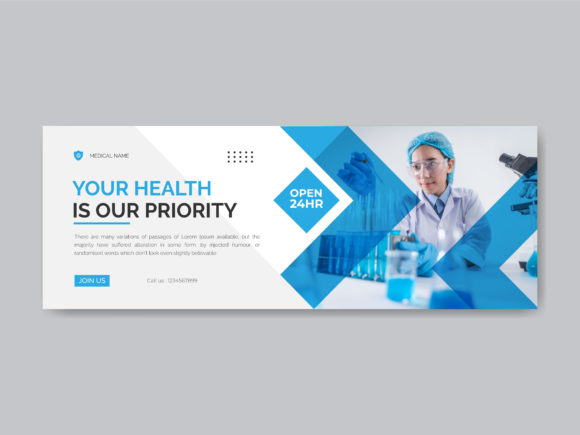
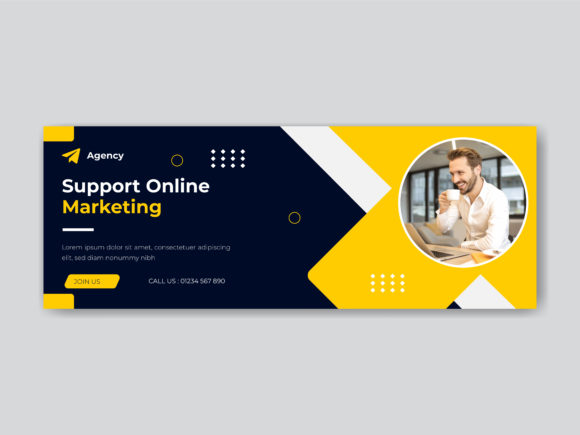
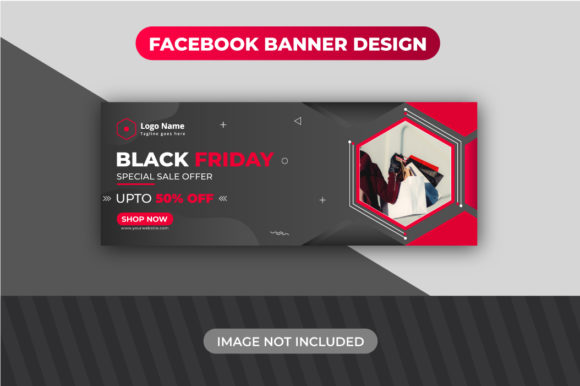
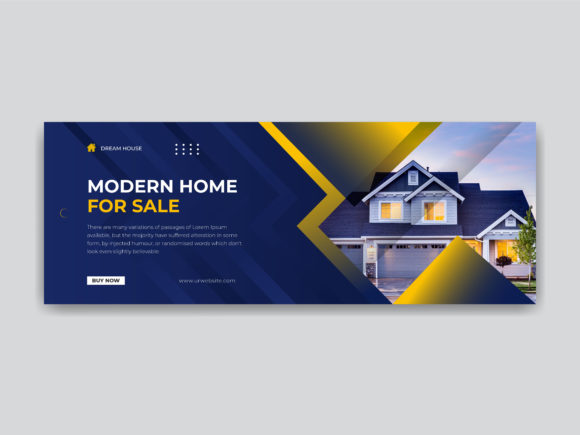
So, what exactly defines an effective banner in this niche? Visually, it must balance aspiration with clarity. The personality should be clean, modern, and authoritative. Think crisp lines, ample negative space, and a color palette that suggests luxury and stability—often leaning on deep blues, charcoal grays, crisp whites, and accent colors that pop. The style is inherently strategic; it’s modern typography in action, where every element serves a purpose. The overall appeal isn’t artistic for art’s sake; it’s functional design that guides the viewer’s eye from your logo to your core value proposition and finally to a clear call to action, all within the 851px by 315px canvas that Facebook dictates.
The Anatomy of a High-Performance Template
When you source a premium font or a complete design template like this, you’re investing in more than just a file. You’re acquiring a design asset built for real-world application. The specifications are crucial. The 851x315 pixel dimension is the current Facebook standard, ensuring your image displays perfectly on both desktop and mobile feeds without awkward cropping. The inclusion of an Adobe Illustrator (AI) file is a hallmark of a professional resource; it’s a vector format that allows for infinite scalability without loss of quality, meaning your banner will look sharp on everything from a laptop screen to a printed open house flyer.
The value of fully editable files and well-organized layers cannot be overstated. This is what transforms a static image into a dynamic brand tool. You can swap out a background photo of a generic skyline for a stunning shot of your local market or a signature property you’re listing. Smart Layers in Photoshop (PSD) files make this process even more intuitive, allowing you to place your imagery into a pre-shaped container with a single click, automatically applying any necessary effects or perspective adjustments.
Typography is the silent ambassador of your brand. The use of free Google Fonts in the template is a practical masterstroke. It means you can maintain brand identity consistency across all your materials—website, email signatures, and social media—without worrying about licensing fees for every platform. The RGB format color mode is specifically optimized for digital screens, ensuring the colors you see during design are the colors your audience will see online. Meanwhile, the 150 DPI resolution is a sweet spot, providing high enough quality for clear text and logos on social media while keeping the file size manageable for quick loading.
Strategic Applications Beyond the Cover Photo
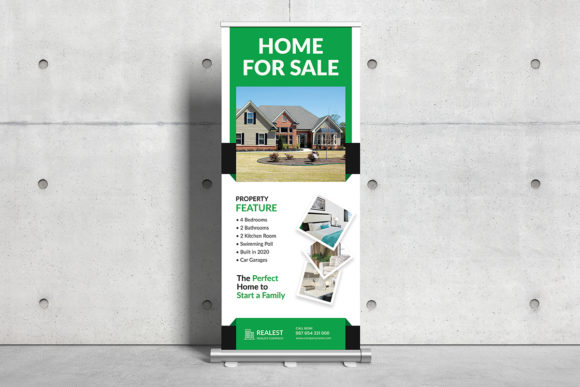
While the primary function is clear, the true power of this Real Estate Facebook Cover Banner lies in its adaptability. Its clean, professional framework makes it a versatile starting point for a host of other marketing collateral, directly supporting a cohesive brand identity.
For social media graphics, you can easily repurpose the layout for other platforms. Resize and adjust the composition for an Instagram Story highlight cover, a LinkedIn banner, or a Twitter header. The design principles—strong visual hierarchy, balanced composition, and clear messaging—remain constant. The template’s structure also lends itself beautifully to editorial design for digital magazines or PDF market reports. Imagine using the same color scheme and typographic style for a monthly housing market update you distribute via email; it instantly creates a recognizable suite of materials that builds audience trust and recognition.
In web design, the banner’s aesthetic can inform the hero section of your homepage, creating a seamless transition for users who click through from your Facebook page. For packaging design of client welcome kits or listing presentations, the color palette and font choices can be extracted to create folders, business cards, and cover sheets that feel like part of a unified system. Even for logo design explorations, the clean typographic treatments within the banner can serve as inspiration for wordmark variations or supporting text lockups.
Making It Your Own: A Practical Guide
Choosing and customizing a template is a strategic process. First, evaluate the project fit. Does the template’s style align with your target market? A banner with ultra-modern, geometric fonts might suit a downtown luxury condo specialist, while one with a more traditional serif font could be perfect for a historic homes expert. Review the included styles and font weights. A good template will offer variety—perhaps a bold display font for your headline and a clean sans serif font for supporting details, creating a natural visual hierarchy.
Next, test font pairings and readability. The most beautiful script font or handwritten font is useless if your phone number is illegible at a glance. Zoom out to 50% on your screen. Can you still read the key information? This simulates how most users will see it on a mobile feed. Check the contrast between text and background. Your contact details need to be unfailingly clear.
Finally, consider the commercial context. While the template uses free fonts, ensure you understand the licensing for the template itself if you plan to use it for client work. The goal is to build a library of creative font resources and design assets that you can deploy efficiently. This isn’t about collecting files; it’s about building a system that lets you produce professional, engaging marketing materials quickly, allowing you to focus on what you do best—selling homes and building relationships. A well-chosen Real Estate Facebook Cover Banner template is the first, crucial component of that system.